Credit Hound Cloud brings dispute management into your credit control. Mark an invoice as disputed and automatic chasing stops for that invoice, so your customer isn't sent a reminder for something you're already discussing.
Every disputed invoice is flagged on the customer screen and totalled on your dashboard, so customer queries get resolved instead of forgotten.
Managing disputes without losing track of the ledger
Customers dispute invoices for ordinary reasons: a price that doesn’t match the quote, goods that arrived damaged or not at all, or a service they weren’t happy with. Most of these queries can be fixed. The real cost comes from what happens around them.
When disputes live in someone’s inbox, two things go wrong. The customer keeps getting reminders for an invoice they’ve already queried, which damages the relationship. And the disputed amount sits in your aged debt with nobody owning it, until it’s 90 days old and much harder to collect.
Dispute management software built into your credit control
Stop chasing in a few clicks
Select the invoice, click Dispute and confirm. Automatic chasing pauses for that invoice, while the rest of the customer's account is chased as normal.
See every dispute at a glance
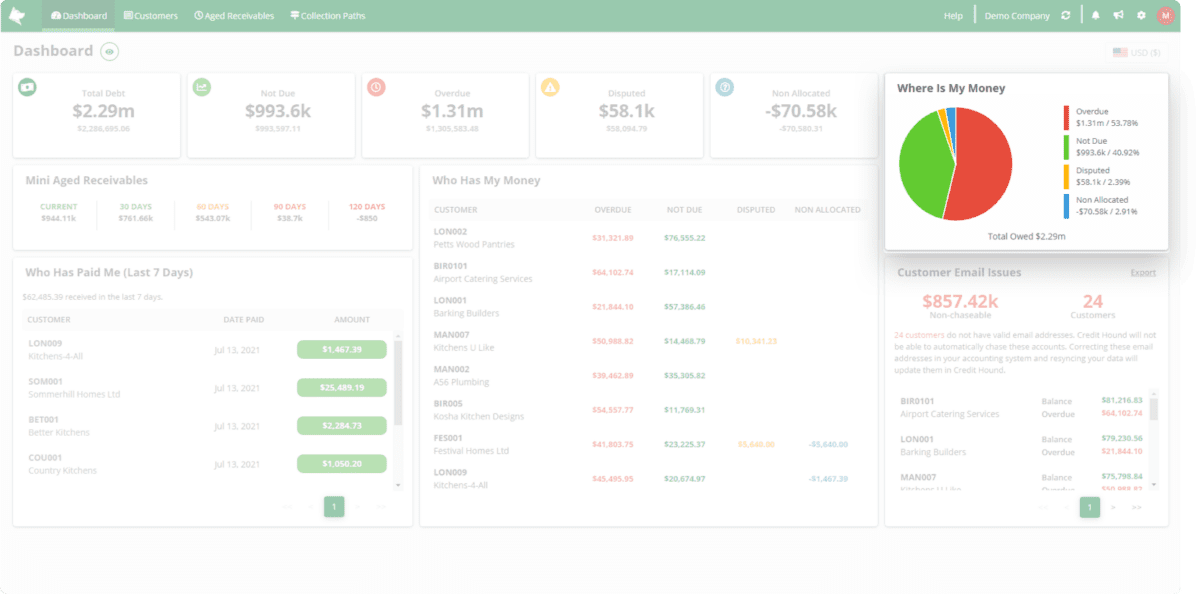
Disputed invoices are marked with an orange icon and an orange outstanding amount. Their value is totalled on the customer screen and on your dashboard.
Keep the conversation in one place
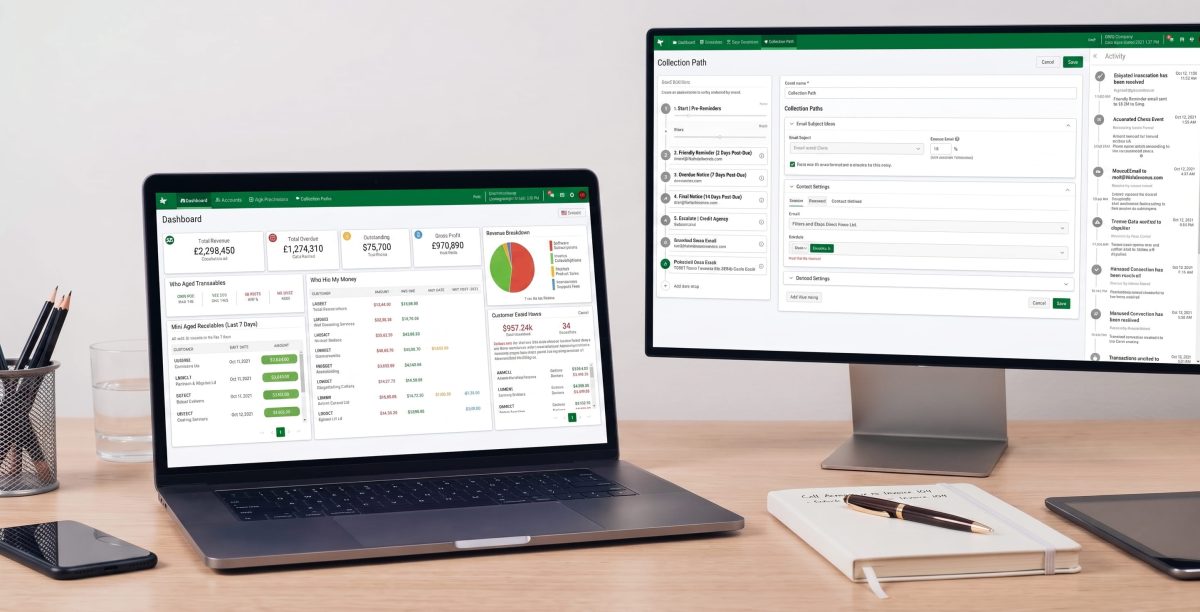
Add notes to the disputed invoice. Customer replies to your emails land in the activity panel on the customer screen, attachments included.
Resolve it and move on
When the query is settled, click Resolve. The dispute clears, the totals update and the activity panel records when it happened.
In credit control, dispute management is how a business records, tracks and resolves invoices its customers have queried. It covers the part of collecting money where chasing harder doesn’t help, because the customer won’t pay until the problem is fixed.
Good disputes management does three things. It stops reminders going out for an invoice that’s under query.
It makes sure someone owns each dispute and follows it up. And it keeps disputed debt visible, so it doesn’t quietly age on the ledger.
How the dispute management system works in Credit Hound
Credit Hound’s dispute management system sits inside the screens your team already uses to chase, so there’s no separate tool to check.
1. A customer raises a query. Their reply to a reminder email appears in the activity panel on the customer screen, with any attachments, and you can reply from Credit Hound.
2. Mark the invoice as disputed. Select one or more invoices, click Dispute and confirm. Each one shows an orange icon, and automatic chasing pauses for it.
3. Record what’s happening. Add a note to the invoice explaining the query, and create a task to follow it up on a set date.
4. Keep the rest of the account moving. The customer’s other invoices stay on their collection path, so one query doesn’t hold up everything they owe.
5. Resolve the dispute. When it’s settled, click Resolve. The orange flag clears, the dispute totals update, and the activity panel logs it.
Nothing about the dispute lives in a separate spreadsheet or one person’s inbox.
Manage disputes with the whole finance team in view
To manage disputes well, you need to see them. Credit Hound shows disputed debt in four places:
Transaction list: an orange icon and an orange outstanding amount on each disputed invoice.
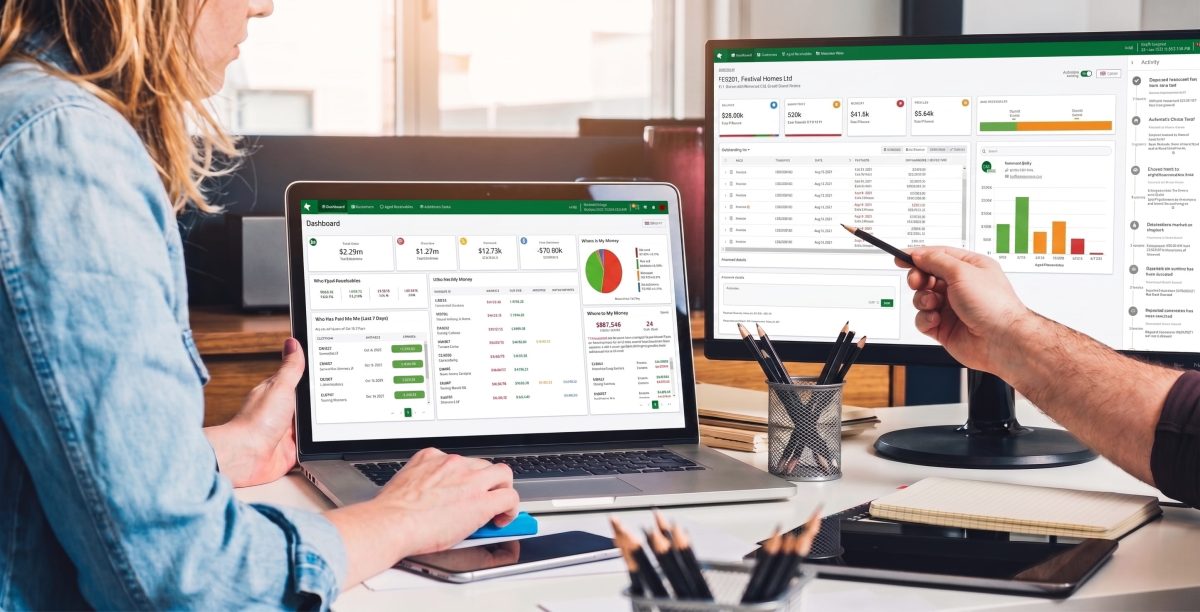
Customer screen: a Disputes widget totals the disputed value for that customer.
Dashboard: a Disputes widget totals disputed value across the whole ledger.
Activity panel: when each invoice was disputed and resolved, alongside your notes and emails.
A finance manager can see at a glance how much cash is tied up in queries. A credit controller can see which customers need a call.
What are the benefits of dispute management software?
Fewer awkward reminders
Customers aren’t chased for invoices they’ve already queried.
Faster resolution
Each dispute has a note, a follow-up task and a history, so it gets dealt with instead of parked.
Disputed debt you can see
Dispute totals on the dashboard show how much cash is waiting on queries.
Chasing that keeps going
Collection paths keep running for every invoice that isn’t in dispute.
A full record
Every dispute, note, email and resolution is logged against the customer.
Who is Credit Hound for?
Small businesses. If you deal with queries yourself, Credit Hound stops the automatic reminders as soon as you mark a dispute, so you don’t have to remember to.
Credit controllers. Mark, note and resolve disputes from the customer screen you already work in, with follow-up tasks so nothing relies on memory.
Finance managers and FDs. See how much disputed debt you’re carrying, and which customers it sits with, straight from the dashboard.
Whatever the size of your ledger, disputed invoices get the same treatment: paused, owned and resolved.
Make dispute management part of everyday credit control
A dispute isn’t a reason to stop collecting. It’s a reason to collect differently.
Credit Hound pauses the chasing that would make things worse and keeps everything else on schedule.
Start your free trial today or book a demo to see Credit Hound Cloud in action.
Since using Credit Hound Cloud, our debtor days have reduced from 42-45 to 26-28! The sheer volume of updates is fantastic, there’s always a new feature. The little tweaks make a big difference!
by David Parsons, Chief Financial Officer, Churchill Support Services, September 2024
The sheer volume of updates in fantastic!
Been using Credit Hound for around a month and seems to be doing a good job. Easy enough to setup and configure. It’s sending out emails and the dashboard gives a nice overview. Noticed an increase in payments being after the emails have been sent so pretty happy with it so far.
by Peter Charles on June 23rd 2021
Simple to use and works
Credit Hound is a fantastic product and the support I’ve received has been professional and on-point. It’s simple to use and has help automate my credit control, something I usually don’t have time for. I love the dashboard as it gives me an overview of where my money is and who owes me what so I know where to focus my calls. Can’t recommend enough.
by Angela Cunningham on January 26th 2022
Great App Great Support
See how much you could save your business with Credit Hound
It’s where you record, track and resolve customer queries about invoices. In Credit Hound it’s part of your credit control: marking an invoice as disputed pauses its reminders, and its value shows in your dispute totals until you resolve it.
Yes, the disputed widget on the dashboard totals disputed value across the ledger, and the Disputes widget on each customer screen shows it for that customer.
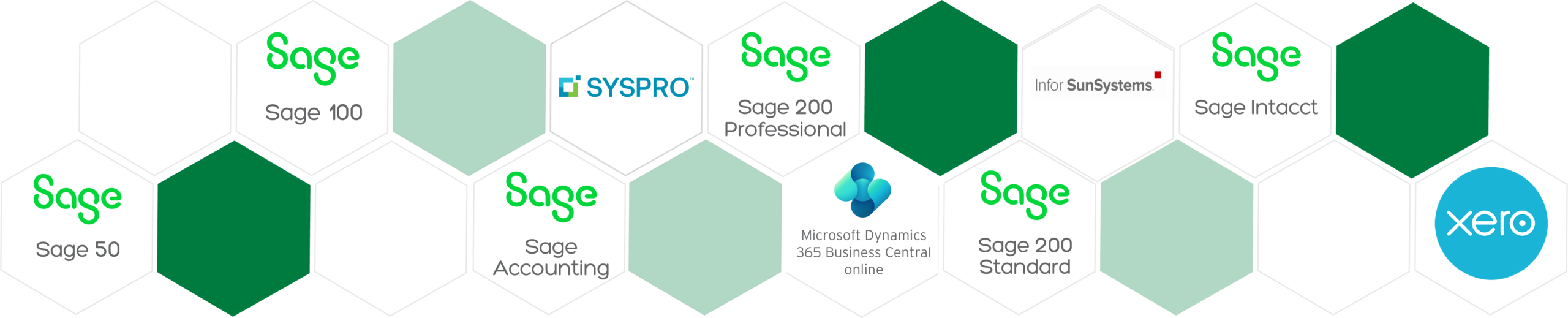
Sage Accounting, Sage 50, Sage 200 Professional and Standard, Sage Intacct, Sage 100 (US), Xero, Microsoft Dynamics, Microsoft Business Central and Infor SunSystems Cloud. Invoices, customers and contacts sync automatically.
No, Credit Hound handles disputes about invoices between you and your business customers. Card chargebacks are handled through your payment provider, and workplace disputes through services such as Acas.
Additional information & guides
A Guide on Bank Reconciliation
Learn what bank reconciliation is, why it matters, and how to complete the process accurately. Explore key steps, examples, benefits, and how Credit Hound Cloud supports better payment visibility.
In this guide, we’ll explain what an aged debtor report is, what aged debt means, how to do meaningful analysis, and how to create a report using your accounting system, Credit Hound Cloud, or spreadsheets.
How to Write a Debt Collection Letter: Process & Examples
Chasing unpaid invoices isn’t easy, but sending a clear, professional debt collection letter can make all the difference. In this guide, we’ll walk you through the process of writing an effective letter to collect debt.
What is a Collections Management System & How Credit Hound Simplifies It
An effective collections management system is a vital part of maintaining financial control, focusing on managing outstanding invoices and customer payments.